



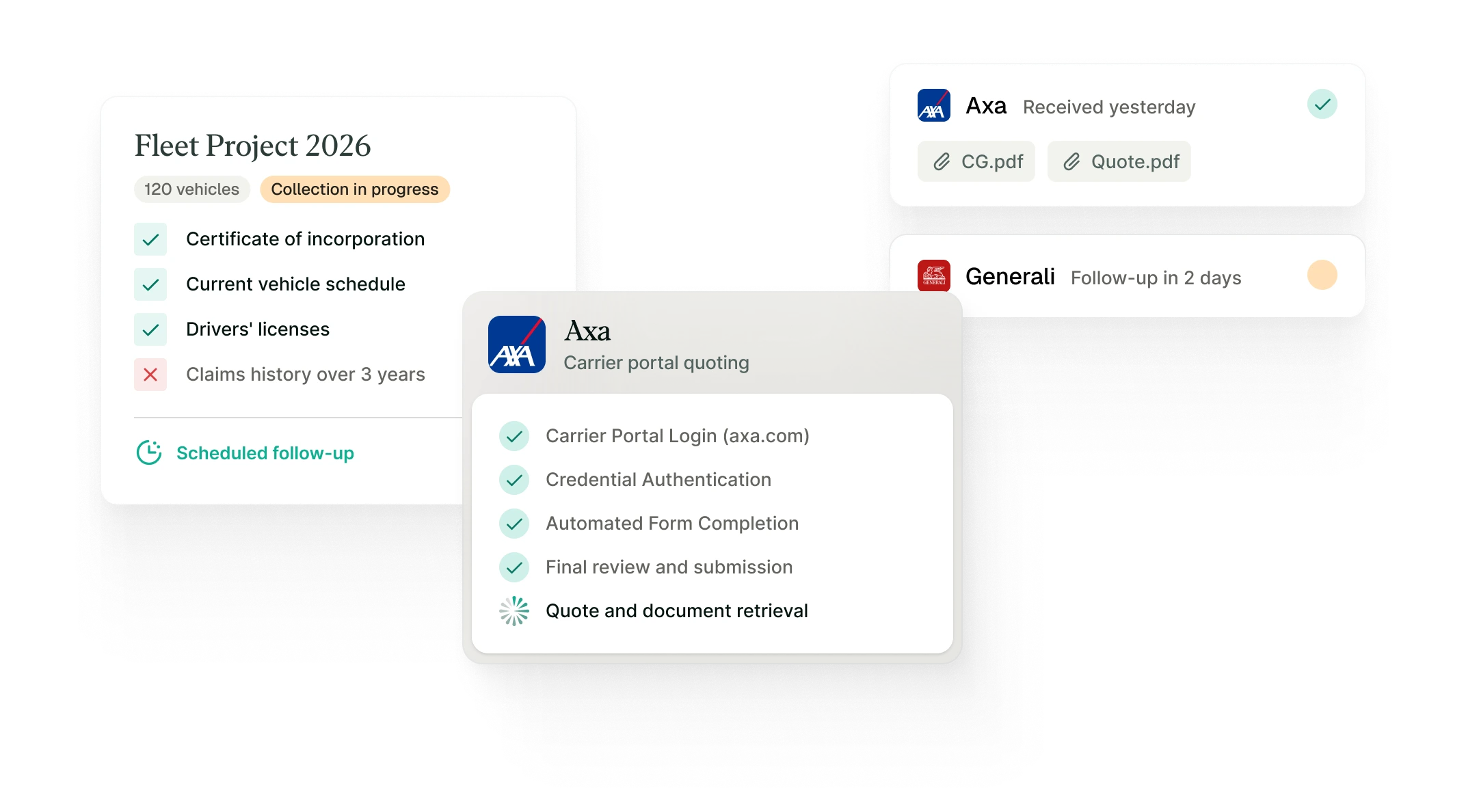
Build, complete, and submit quotes from one interface.
Step 01
Build a solid customer record

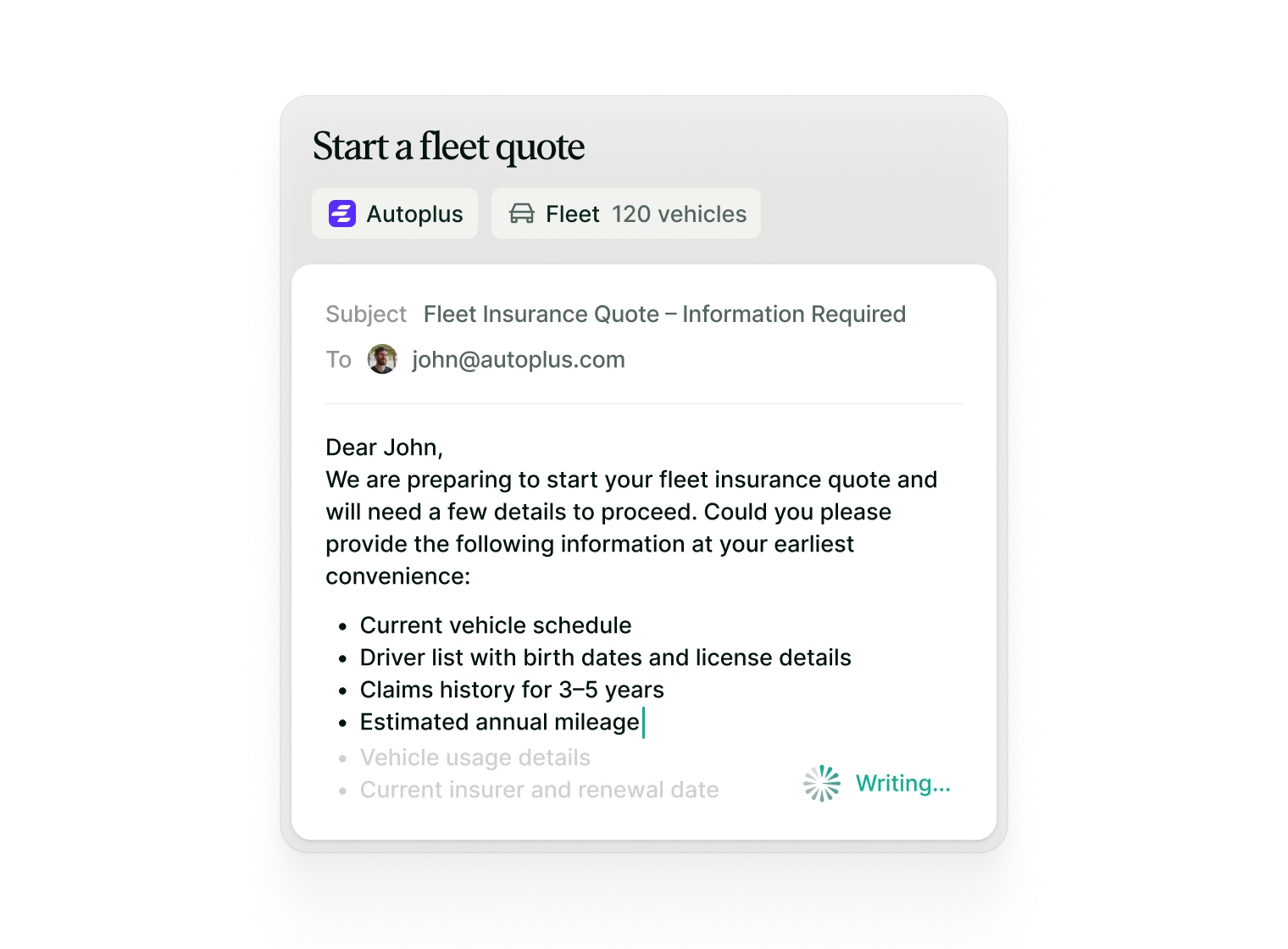
Automatically structure client information
Panora identifies required documents based on client profile and selected carriers.
Ready-to-send emails
Automatically generate and send a clear checklist of required documents to your client.
Structured from the start
Every file is centralized, organized, and ready for submission.
Step 02
Keep a clear view of progress

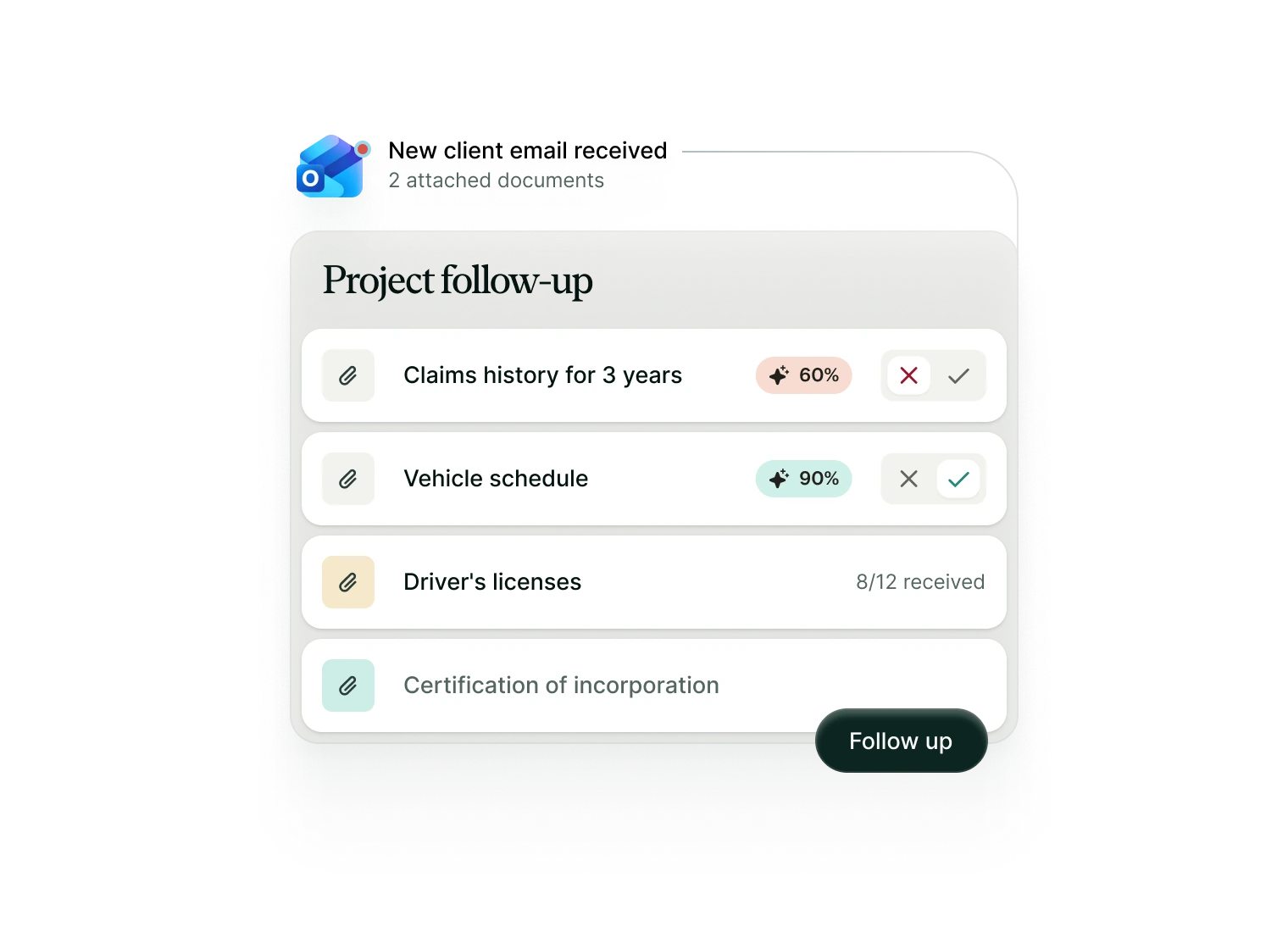
Automated document intake & review
Incoming documents are automatically matched to the correct case file and analyzed with confidence scoring for accuracy and completeness.
Clear status overview
Instantly see which documents have been validated, which are missing, and what still requires action.
Smart follow-ups
Pre-built reminders help you request outstanding information and move the submission forward without delay.
Step 03
Start and centralize quotations

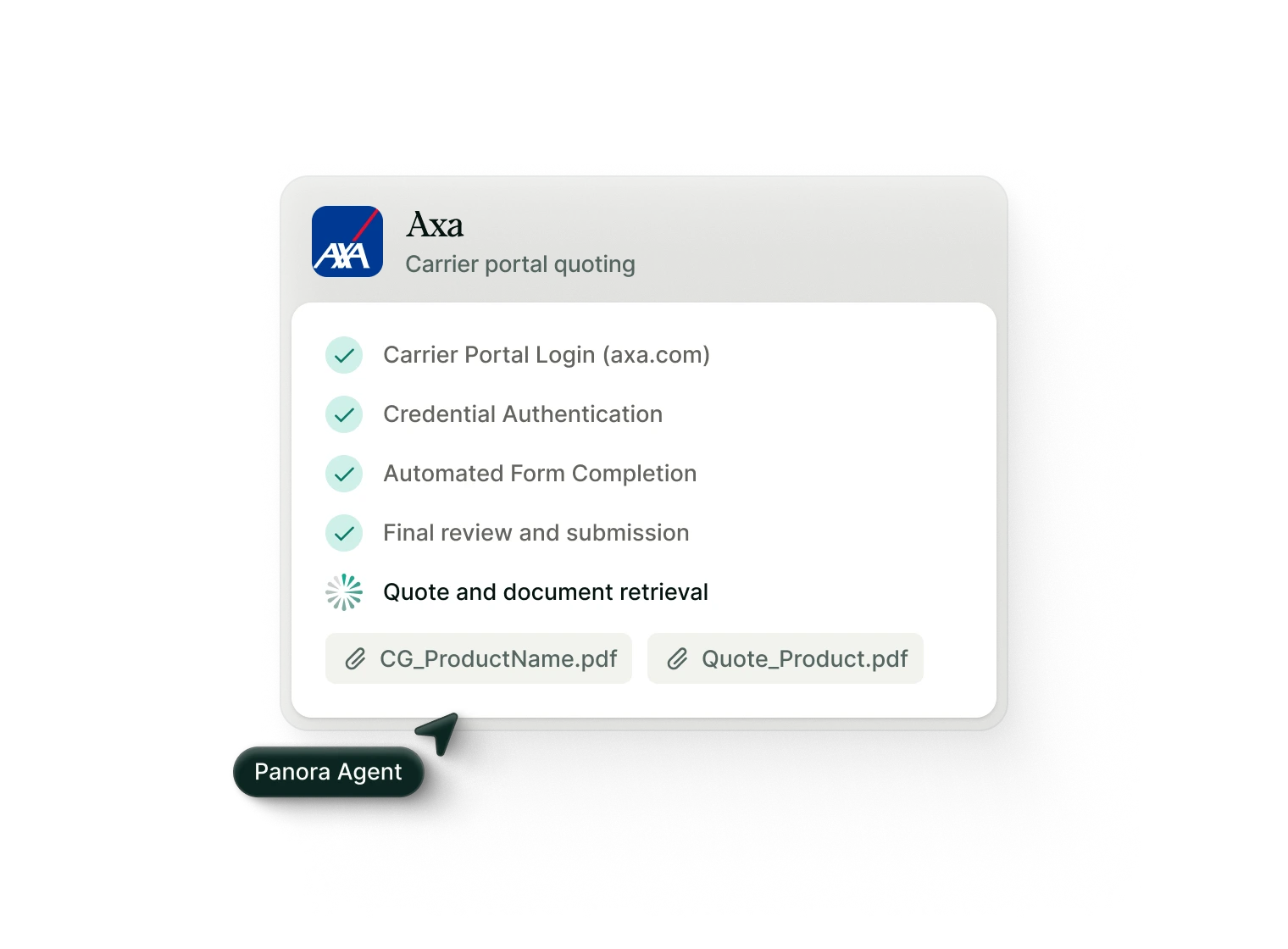
Submission initiated on your behalf
Panora prepares and submits structured quote requests via carrier portals or generates ready-to-send submission emails to insurers.
Structured, carrier-ready submission
All client information and supporting documents are organized in a clear, standardized format, ready for underwriter review.
Centralized quote collection
Carrier responses and quotes are automatically consolidated into the correct case file, structured and ready for side-by-side comparison.
Features
A unified submission workflow
Intelligent email synchronization
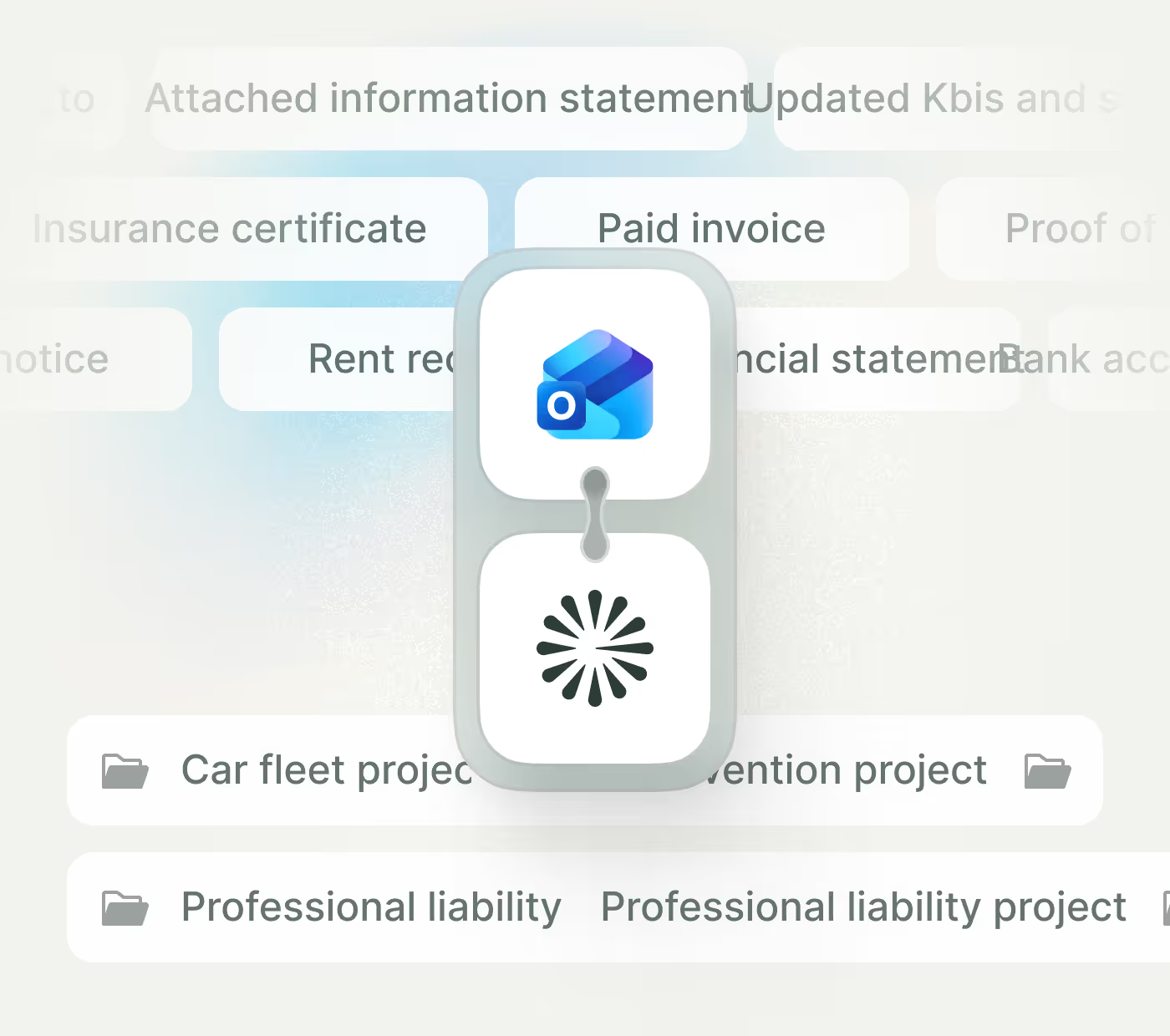
Panora automatically analyzes incoming and outgoing emails, linking conversations and attachments to the correct case file, no manual sorting required.
Smart follow-ups
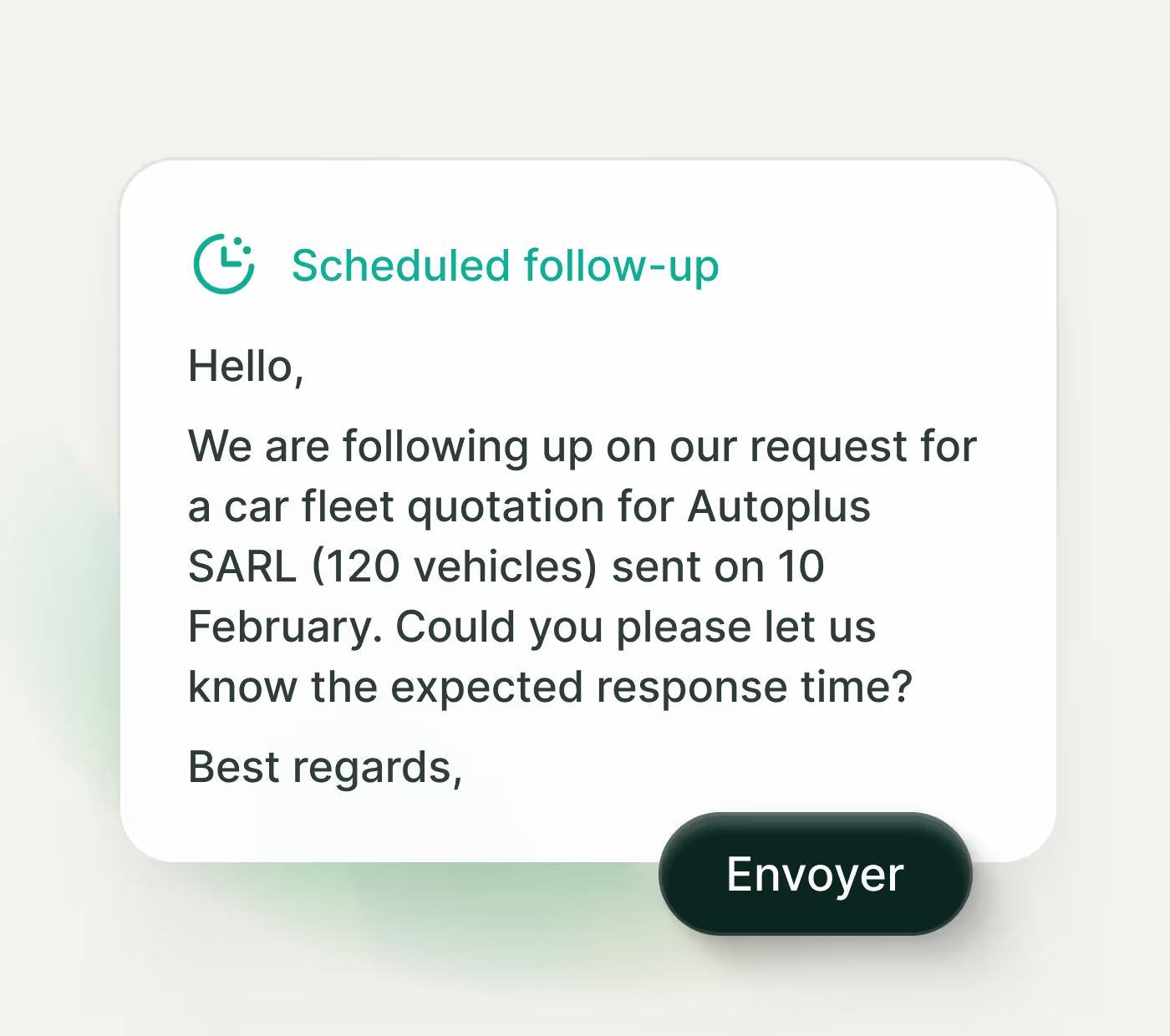
Pre-built, ready-to-send reminders help you accelerate outstanding responses from carriers and keep submissions moving.
Clear case overview
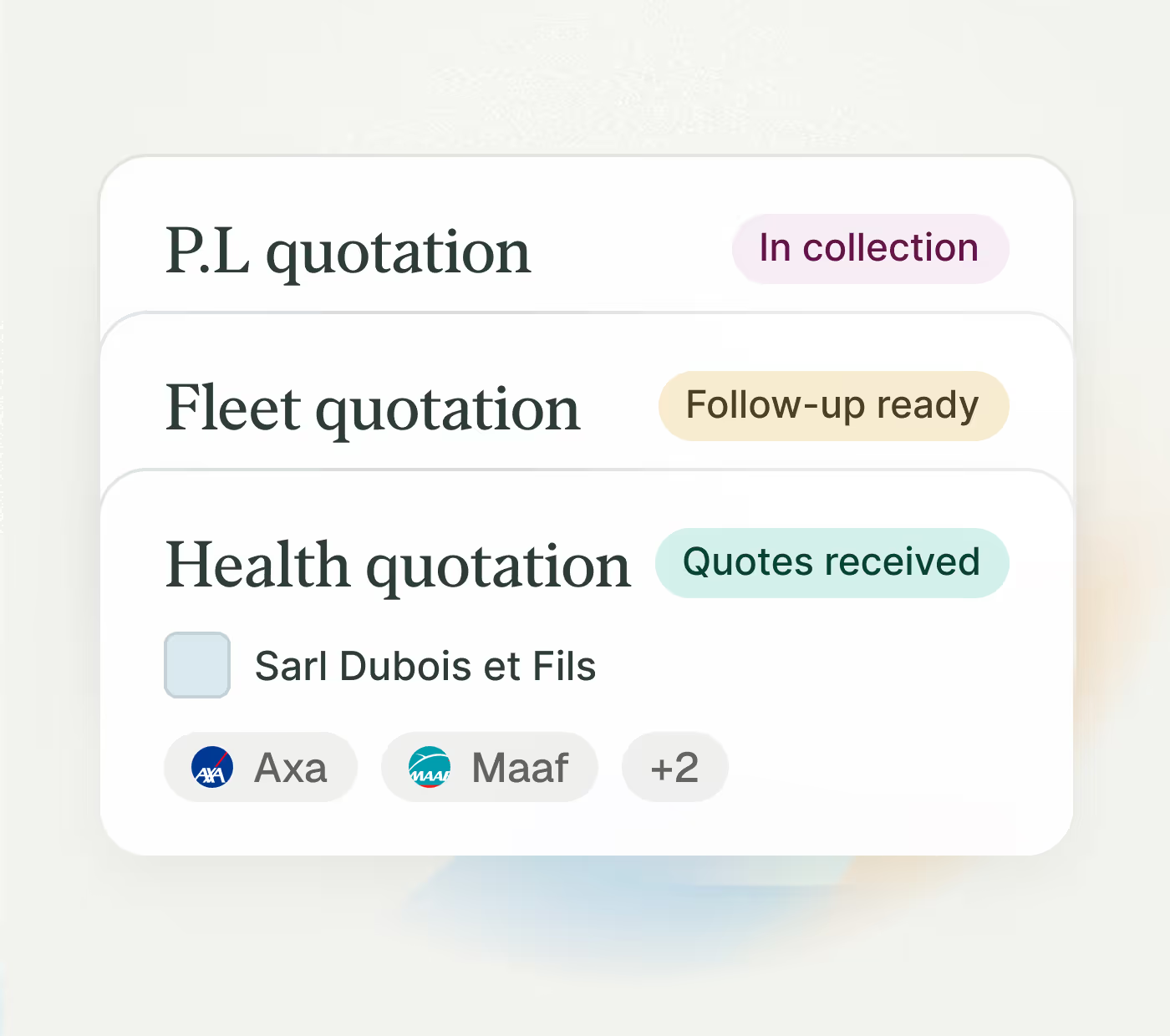
Gain instant visibility into received quotes, pending requests, and next actions, all within a structured, centralized workspace.
Security
An AI designed for a regulated environment

Full operational control
AI supports your workflow, it never makes decisions on your behalf. Every action is initiated and validated by you.

EU-Based hosting & GDPR compliance
All data is hosted on certified EU infrastructure and handled in full compliance with GDPR standards. We apply strict data protection policies aligned with European regulatory expectations.

Security & regulatory alignment
All transactions are encrypted, logged and traceable. Panora is built to support regulatory frameworks applicable to insurance distribution, including the Insurance Distribution Directive (IDD).

Strict data confidentiality
Client data is never used to train external AI models. Your documents, communications and workflows remain strictly isolated within your secure environment.
FAQS
Questions frequent
Find answers to the most frequently asked questions about Panora: operation, features and prices. Another question? Write to us at contact@panora.co
It's the broker who triggers the AI assistant himself from its Panora space.
The assistant then comes:
- structure the quotation request
- prepare the necessary information
- collect documents and information from the prospect/customer
- connect to partners configured in Panora by the broker
- generate quotes at the broker's request
Nothing is sent automatically. Each step is initiated and validated by the broker.
Panora speeds up the process, but the investment strategy remains completely under your control.
No
Panora is a smart assistant, not an autonomous robot.
No request is sent without human validation.
You choose:
- The insurers requested
- The information transmitted
- the offers presented to the customer
Everything remains in the hands of the broker.
Yes, always. Before any transmission:
- the data is visible
- editable
- compleatable
You maintain complete control of the file.
Yes. Panora is compatible with all CRMs on the market, including:
- Modul'r
- Excalibur
- IGA
- Adhoc
- HubSpot
- Salesforce
Native connectors are being deployed for some tools, and Panora's open architecture allows for seamless integration with your existing environments.
The objective: save you time without changing your work habits.
Yes.
Each request has a clear status:
- Prepared
- sent
- pending
- Received
- Comparative
You benefit from a consolidated view of your pipeline while maintaining operational control.

"Quoting is faster, cleaner, and more structured. We focus on placement strategy, not carrier portal navigation."
1 minute
Time to submit a quote request
and receive a response via Panora.
8h/week
Average time saved per account manager using Panora.